
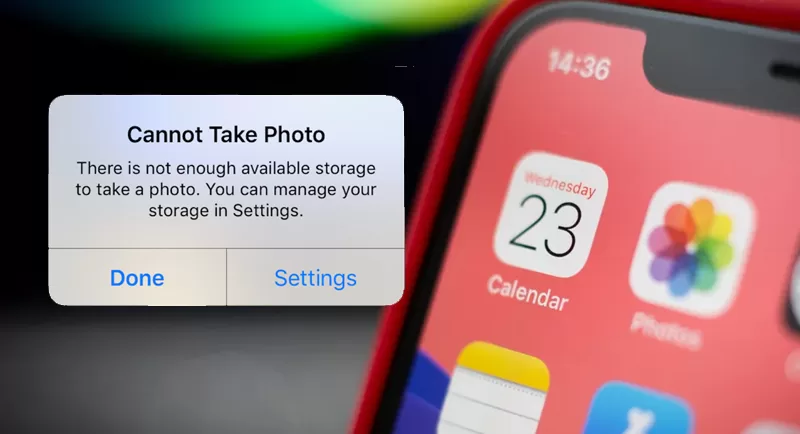
If your iPhone has too many photos, videos, and apps, can’t install the latest iOS software update because the storage is limited?
If you are facing a similar problem, today we are telling you a solution that can be adopted without deleting anything and spending money.
Apart from this, you can also empty the storage of your iPhone with the help of some other features in iOS. You can get two built-in iOS settings, which allow you to free up a significant amount of iPhone storage: one is permanent and the other is temporary.
By doing this, you can install the latest updates to the software, take more photos and videos, and download many apps.
If you want to retain your precious memories, but also want to empty some storage at the same time, then the easiest way is to optimize photos and videos on your iPhone.
By default, every time the photo or video you take is stored on the device with full resolution. If you’re taking photos and videos at high resolution, they’re occupying a lot of space.
Shot at 60 fps, the one-minute long 4K video occupies about 400 MB of space, that is about half a GB.
To optimize your photos and videos, go through the iPhone’s settings to Photos and toggle the optimized iPhone storage (to let it work, you must go to the iCloud Photos settings and turn on).
It may take a little longer depending on how many photos and videos are on your iPhone, but once completed, you’ll find significantly more space on your device.
After doing this, all your photos and videos with full-resolution will be transferred to your iCloud, while those with small and low resolution sit on your device, which occupies only a small space.
If you want to access your high-resolution photos and videos, you can download any files that need to be optimized by going to the Photos app. But for this, you need a good internet connection.
Your newly taken photos and videos can be in full resolution, so you don’t have to download every photo or video. If you don’t have enough iCloud storage, you can upgrade your cloud instead of taking a new phone.
For this, go to your name>iCloud>manage account storage>by more storage, through the settings to upgrade the iCloud in your iPhone. From there, you can choose the right plan and move forward according to the instructions given to you.
Of course, you do not use all the applications in your iPhone. Most of them are sitting on mobile phones, which can include apps such as airlines, third-party cameras and music productions.
Even if you use these apps sometimes, most of them probably do not go daily. So if you need more storage immediately, consider offloading the app.
Suppose you are trying to download and install the latest update of iOS. If that’s a major update like iOS 16, you may need up to 5GB of storage to install the software.
If that is a point update like iOS 16.1, then about one GB will be needed. And if you don’t have enough storage for such updates, you can offload the app immediately, which is the situation between keeping and deleting the app.
For this, go to Settings and go to iPhone Storage from General and see if an app is occupying the most storage. Certain built-in apps like Photos, Messages cannot be offloaded, so keep this matter in mind.
If you find any other app for offload, press it and press on the offload app. Wait for a while and the app will be removed for offline, so that your documents and data will be stored on your iPhone.
If you need storage temporarily to download the software, go to the list and offload as many apps as you can. The amount of storage that is empty when each app is offloaded can vary, so see the number with the size of the app.
You can offload as many apps as possible until there is enough storage free. You cannot run the offloaded app, but if you have to bring the app back, you have to go to the app library and re-download it by tapping on the iCloud button.
If the offloaded app is on your home screen, tap on it to download it. You don’t have to re-sign in or do anything else; You have as much access to an app that has never been deleted.
