
Meta, Facebook’s parent company, has recently been bringing high-quality features to Messenger.
Chat lock and end-to-end encryption features are the latest features that have come to Messenger. Recently, Meta has also introduced a feature to edit messages in Messenger.
Using this feature, users can edit the message they have already sent and resend it. Even if the message you sent has been read by another person, it can be edited. However, Facebook does not provide information about what has been edited in the message.
The same message can be edited and sent up to five times. However, the time of sending such a message should not exceed 15 minutes.
If you are affected by the edited message, you can report it. When reporting in that way, Meta knows what was written in the edited message. If abuse is confirmed, Meta will punish the account through community guidelines.
How to edit the sent message?
Currently, this feature is only available on Android and iOS. The company said that it will be available for the web soon. If you have sent a message to someone and need to edit the message, follow the steps below:
- First of all open Messenger app.
- And send a message to someone.
- Long press that message.
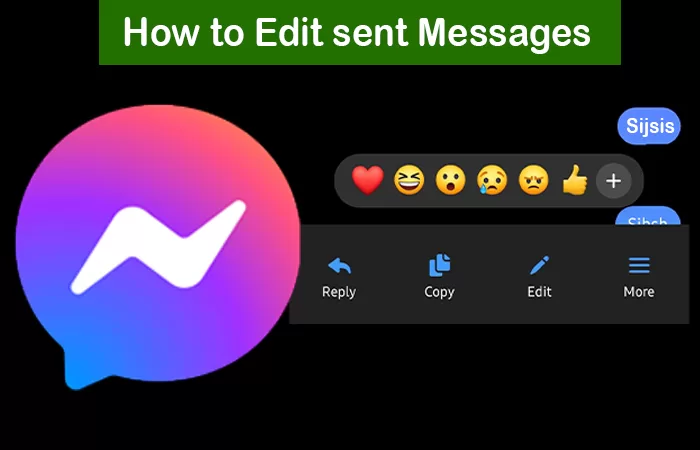
- After that, the edit option appears below. Then, remove the previous message and type the message you want to keep and tap on the tick button next to it.
